How to sponsor a product on Amazon? A complete guide for your first advertising campaigns
Advertising on Amazon is a great way to boost your sales and increase product visibility. Sponsored ads, such as Sponsored Products, are especially effective at reaching shoppers ready to buy. In this article, we'll look at how to set up your advertising campaigns, what types of sponsored ads to use, and how to optimize your results.
What are Sponsored Products on Amazon?
Sponsored products use keyword or product targeting. This means your ads will be displayed based on the search terms customers type into Amazon. As we'll see later, you can provide the target keywords or let Amazon find them automatically using its matching algorithm.
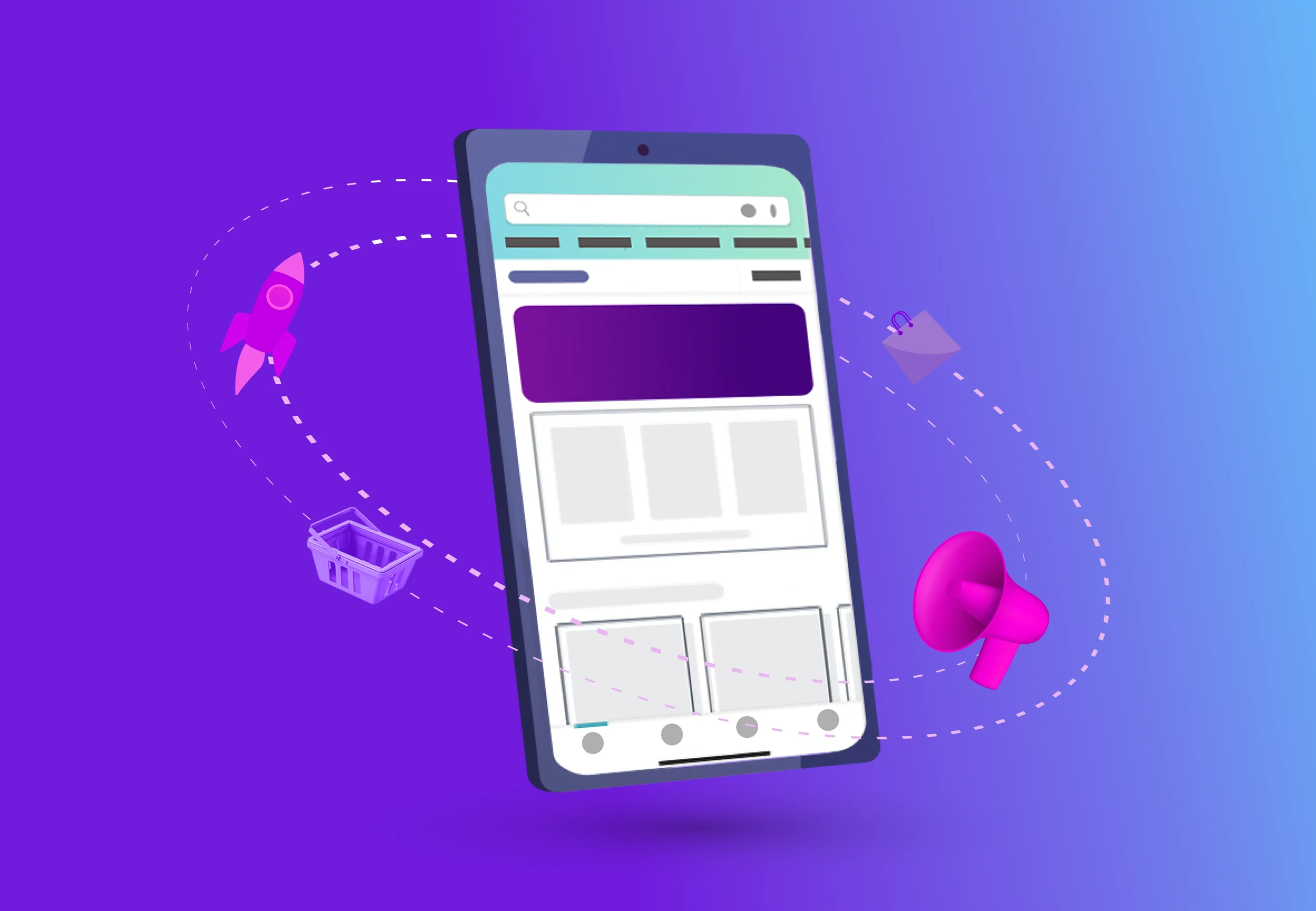
The display of sponsored ads is very similar to that of search results , allowing them to blend seamlessly into the pages without being intrusive. The only visible difference for the customer between sponsored and non-sponsored results is the "Sponsored" label that appears above the product title.
The cost-per-click (CPC) model means you only pay when a customer clicks on one of your sponsored ads and lands on your product page. It's not possible to use Amazon sponsored products to drive traffic to another website.
It's important to keep in mind that people searching on Amazon are often at the end of their buying journey. That's why, before launching advertising campaigns, it's crucial that your product pages , especially your titles, are optimized for search engines to encourage customers to click.
How do sponsored ads work on Amazon?
One of the main advantages of Amazon sponsored ads is improved visibility in search results. This helps generate more sales and therefore improves your SEO ranking.
Benefits of sponsored products on Amazon
Indeed, sales history, your seller score, and the number of reviews are all very important ranking factors. Therefore, any product that sells better thanks to advertising will also see its organic search ranking improve.
Amazon's advertising campaign payment model
Amazon sponsored campaigns operate on a Pay-Per-Click (PPC) model . You pay when a visitor clicks on an ad, and the higher your budget, the more potential clicks you'll receive. You set a maximum daily amount you want to spend and the campaign duration. Your advertising costs are deducted from your sales balance.
Automatic or manual sponsored product campaign
Amazon lets you choose between an automatic or manual campaign . Automatic campaigns are easy to set up but offer limited control. Amazon automatically determines the best keywords. The only settings you manage are the daily budget, campaign start and end dates, sponsored products, and default bid.
Manual campaigns , on the other hand, require more effort but offer total control over every aspect of the campaign.
Create an advertising campaign to sell on Amazon
Below you will find a summary of the steps required to launch your first advertising campaign on Amazon.
Step 1: Create a Seller Central business account
If you already have a Seller Central Business account, you can skip this step. It is essential for Seller Central Basic account holders.
- Go to your seller account.
- Click on the "Account Information" link under the Settings section.
- In the “Sales Plan” section, click the “Edit Plan” button and follow the instructions.
Your new subscription will start immediately, and you will have access to additional tools to manage your sponsored ads.
Step 2: Define the objectives of your advertising campaign
A campaign, in this context, refers to a set of marketing objectives executed over a specific period of time. It's important to know what you expect from this advertising campaign.
- What budget do you wish to invest?
- What sales volume are you expecting?
- What period would you like to run your campaign ?
You need to set objectives and key indicators to effectively measure the results of your Sponsored Products Ads campaigns.
Step 3: Structure your campaigns and ad groups
A good organizational structure will help you optimize your performance. Create a campaign for each product category you're targeting, then create ad groups for more specific subcategories. For example:
- Campaign 1 Women's sports pants
- Group 1 : Women's Yoga Pants
- Group 2 : Women's Running Pants
- Group 3 : Women's Relaxed Pants
Step 4: Choose keywords for your Sponsored Products ads
If you opted for an sponsored products , Amazon will select the most relevant keywords for you. For a manual campaign, you must choose the keywords and their match type.
Types of keyword matching:
- Broad match : Includes misspellings, synonyms, and variations in word order.
- Expression/phrase matching : Must contain the target keyword.
- Exact match : Exact match to the target keyword.
Step 5: Determine a budget for your advertising campaign
Within an ad group, each keyword has a maximum bid amount. The cost of your campaign varies depending on the competitiveness of the keywords you've chosen to target. The cost per click depends on market demand.
Step 6: Use the reports provided by Amazon
To make the best choices for your advertising campaign, you need to use a data-driven approach and continuously monitor your results.
Access the detailed reports from your seller account. This data includes top-performing search terms, allowing you to refine your campaign performance or find new keywords.
Do you want to advertise on Amazon?
Contact our Amazon Ads teams to find out how to launch your first advertising campaign and achieve your sales goals.
Contact us!
Our latest publications



%20(2).webp)